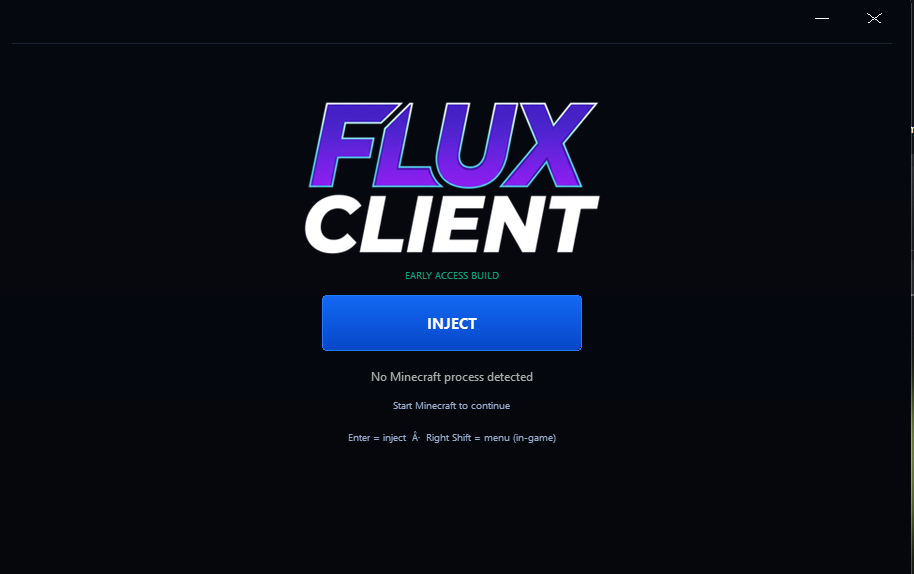
Focused interface
Dark surfaces, readable labels, and controls designed for a fast glance between fights.
Your Minecraft. Your Experience.
A customizable client built around a cleaner interface, configurable modules, and a focused Early Access release channel.
The Early Access build is presented as a real release: clear versioning, visible setup guidance, and a UI that gives each module a place.
Dark surfaces, readable labels, and controls designed for a fast glance between fights.
Keep the working set that fits your playstyle and leave the rest out of the way.
Every build has a channel, a version, a checksum, and a place in the changelog.
Switch between categories to preview the kinds of controls surfaced by the client UI. Early Access availability can change as the build is tuned.
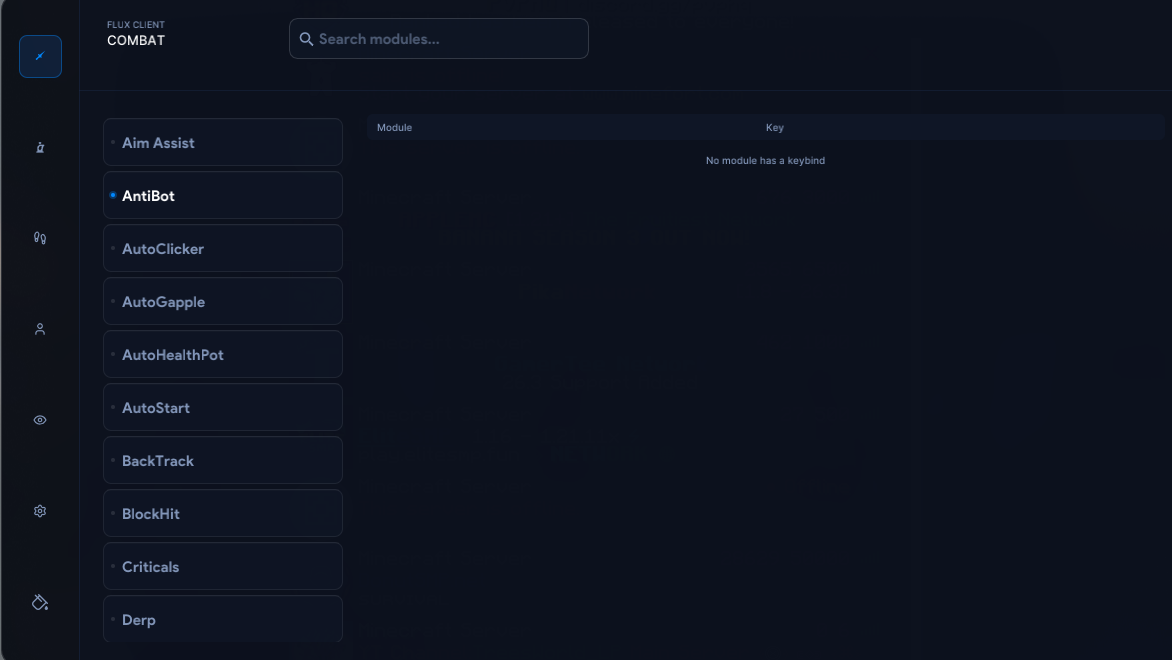
A compact view of the combat-focused tools visible in the client interface.
Release packaging is ready locally. The public download button will activate only after the R2 object and custom download domain are configured.
Early Access executable for the first public Flux Client channel.
Early Access warning. This build is still in development. Keep the file in a dedicated folder, verify the checksum, and only add a narrow Windows Security exclusion if you trust the source.
Once the release channel is live, setup is intentionally short. Keep every step visible so the first run is predictable.
Use the Early Access button to download the versioned Windows executable from the Flux domain.
Compare the local SHA-256 with the value shown on this page before opening the build.
Start Minecraft Java Edition, then open the Flux Client executable from its dedicated folder.
Early Access modules can change. Check the latest notes before reporting an issue.
Small, traceable steps from the client and website work already in motion.
If Windows Security blocks a trusted build, add only the exact Flux build folder. Keep protection enabled everywhere else.
Choose Virus & threat protection.
Select Manage settings, then find Exclusions.
Choose Add or remove exclusions → Add an exclusion → Folder.
Never exclude a whole drive or your entire Documents folder.
Only use an exclusion for a build you trust. Verify the file first, keep the exception narrow, and remove it when you no longer need it.
Real builds, real notes, and a release channel that tells you exactly what you are getting.